Fractional CFOs, outsourced accounting and advisors
A monthly package from every client, without a seat in every client's books.
If you report on a client's numbers but don't keep their books, a QuickBooks login is more access than the job needs. FinShare sends a standing request for the reports you use each month.
How it goes today
Getting the numbers shouldn't mean getting into their books.
A login per client
Each one with its own permissions, its own invite to accept and its own access to remove when the engagement ends.
Or a monthly email chase
Asking the bookkeeper to export the same three reports, on the same basis, every month.
Inconsistent files
Different columns, different dates and different formats from one month to the next.
| Exports by email | A QuickBooks login | A FinShare request | |
|---|---|---|---|
| What you can see | Whatever they decide to send | Their whole accounting system: payroll, owner draws, every customer and vendor | Only the reports on the list they approved |
| What you can change | Nothing, though anyone can edit the file before it reaches you | Whatever the user role allows, often more than reports | Nothing. FinShare only reads reports |
| Can you trust the file? | Basis, dates and columns vary; cells can be typed over | Yes, if you export it yourself, correctly, every time | Checked against QuickBooks' totals before you see it |
| When it ends | Never starts, so it never ends | When someone remembers to remove you | On the date the owner approved, automatically |
| What you're holding | Spreadsheets of uncertain origin | Credentials to someone else's books | Files, with a record of who approved them |
- What you can see
Exports by emailWhatever they decide to send
A QuickBooks loginTheir whole accounting system: payroll, owner draws, every customer and vendor
A FinShare requestOnly the reports on the list they approved
- What you can change
Exports by emailNothing, though anyone can edit the file before it reaches you
A QuickBooks loginWhatever the user role allows, often more than reports
A FinShare requestNothing. FinShare only reads reports
- Can you trust the file?
Exports by emailBasis, dates and columns vary; cells can be typed over
A QuickBooks loginYes, if you export it yourself, correctly, every time
A FinShare requestChecked against QuickBooks' totals before you see it
- When it ends
Exports by emailNever starts, so it never ends
A QuickBooks loginWhen someone remembers to remove you
A FinShare requestOn the date the owner approved, automatically
- What you're holding
Exports by emailSpreadsheets of uncertain origin
A QuickBooks loginCredentials to someone else's books
A FinShare requestFiles, with a record of who approved them
With FinShare
The reports without the login.
Approve once, roll forward
Ask for standing access and, if the client agrees, rolling forward pulls the new month without asking again, until the end date they set.
The same files every month
Same reports, same layout, same checks. Built for templates and models that expect a consistent file.
Save your packages
Save a report list as a template and send it to the next client in a minute.
Clients keep control
They see everything that was shared and when, and can revoke at any time.
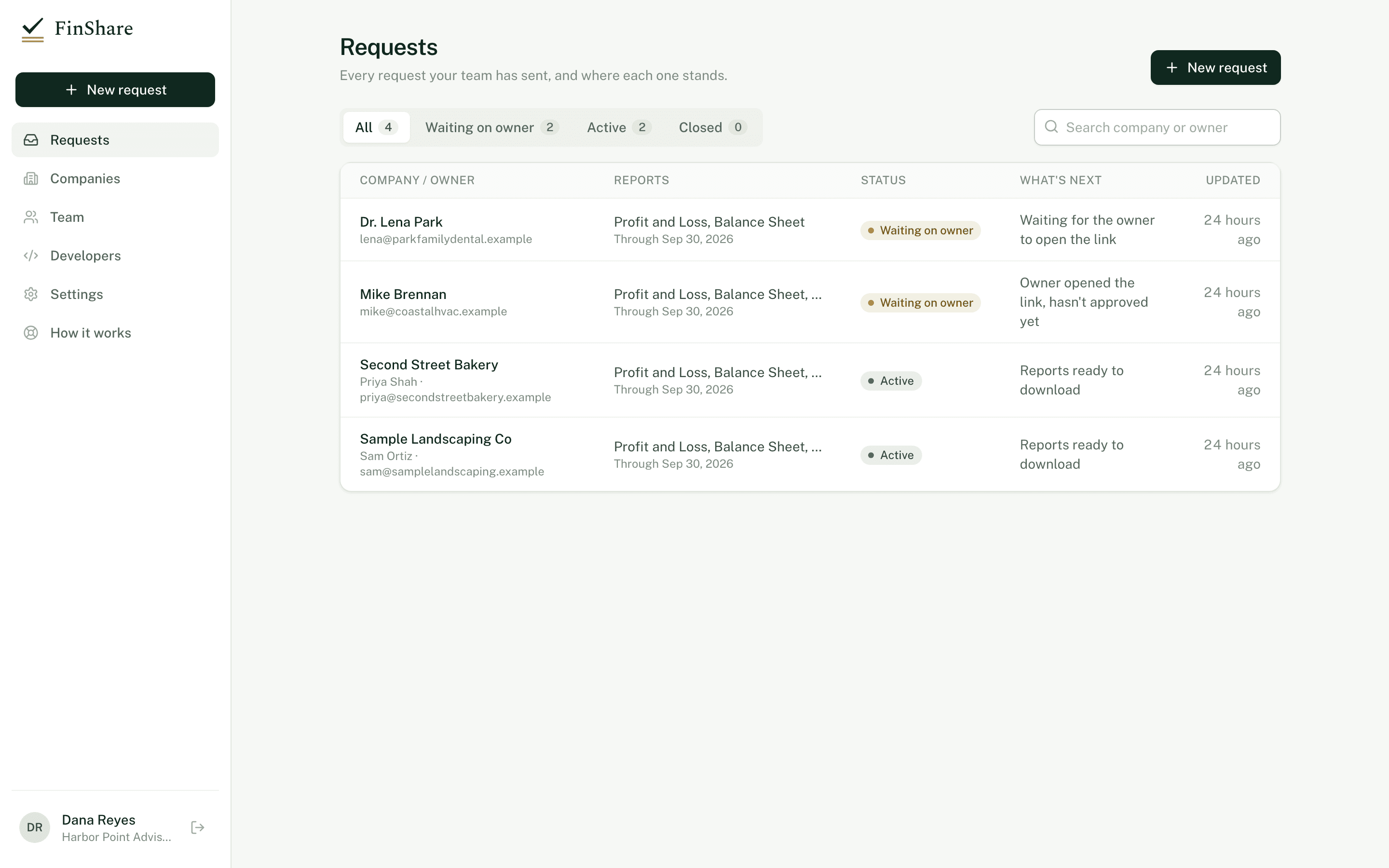
Start from
The packages most teams like yours use.
Built into the new-request screen. Change any report or period before you send.
Monthly financials
The month just closed. Pairs with roll forward.
- Profit and Loss, latest month
- Balance Sheet, as of month end
- Trial Balance, latest month
Year-end / tax
The last complete fiscal year.
- Profit and Loss, last fiscal year
- Balance Sheet, as of period end
- Trial Balance, last fiscal year
- General Ledger, last fiscal year
Questions
Common questions.
- Is this a replacement for accountant access?
- Not if you keep the books. If you only need reports, FinShare gives you those without a login.
- Do monthly updates happen automatically?
- You roll the request forward when the month closes. If the client agreed to standing access it runs straight away; otherwise they approve each update by email.
- Can my team share the work?
- Yes. Invite colleagues to your FinShare account; requests and reports are shared across the team.
Reading
Related articles.
Reporting · 6 min
TTM explained: Trailing twelve months and how to roll it forward
What trailing twelve months means, a worked example ending September 30, how TTM differs from LTM, YTD and fiscal year, and how to roll it forward.
Diligence · 6 min
Accrual vs cash basis in QuickBooks: Why it matters when you ask
How QuickBooks Online switches between accrual and cash basis, what moves between them, which reports take a basis, and how to state it in a request.
Reporting · 8 min
What 'tie out' means for financial reports, and checks to run
What it means for a financial report to tie out, and the checks that catch a bad file: assets = liabilities + equity, debits = credits, subtotals.
Send your first request today.
Sending a request is free; you pay only when the owner says yes. Nothing to install, and the owner needs only QuickBooks Online.